
No-code Automated Testing for Google Analytics 4 Events
Why Should I Test My GA4 Implementation?
A wrong or incomplete GA4 implementation can lead to inaccurate data, which may result in business decisions based on incorrect information. As simple as that.
There are some adjustments you can do to the data - maybe heavily using Data Engineering pipelines to sanitize it - but why not ensure the data is correct from the beginning?
Manual Testing vs Automated Testing for GA4
This is an easy one to answer. Manual testing is time-consuming, error-prone, and not scalable. Even with the most detailed testing framework, something may slip anyway.
With automated testing, you can ensure that every time you deploy a new feature or update your website, your GA4 implementation is validated against a set of predefined tests that run daily or on demand.
High-Quality GA4 Data with AssertionHub Automated
There are tools out there that can help you with GA4 testing, but most of them require coding skills to set up and maintain the tests or require enterprise budgets.
With AssertionHub Automated, you can set up automated GA4 tests without writing a single line of code. You don’t need to remember what properties you have set as well - they are available for you to select thanks to our guided Test Creation.
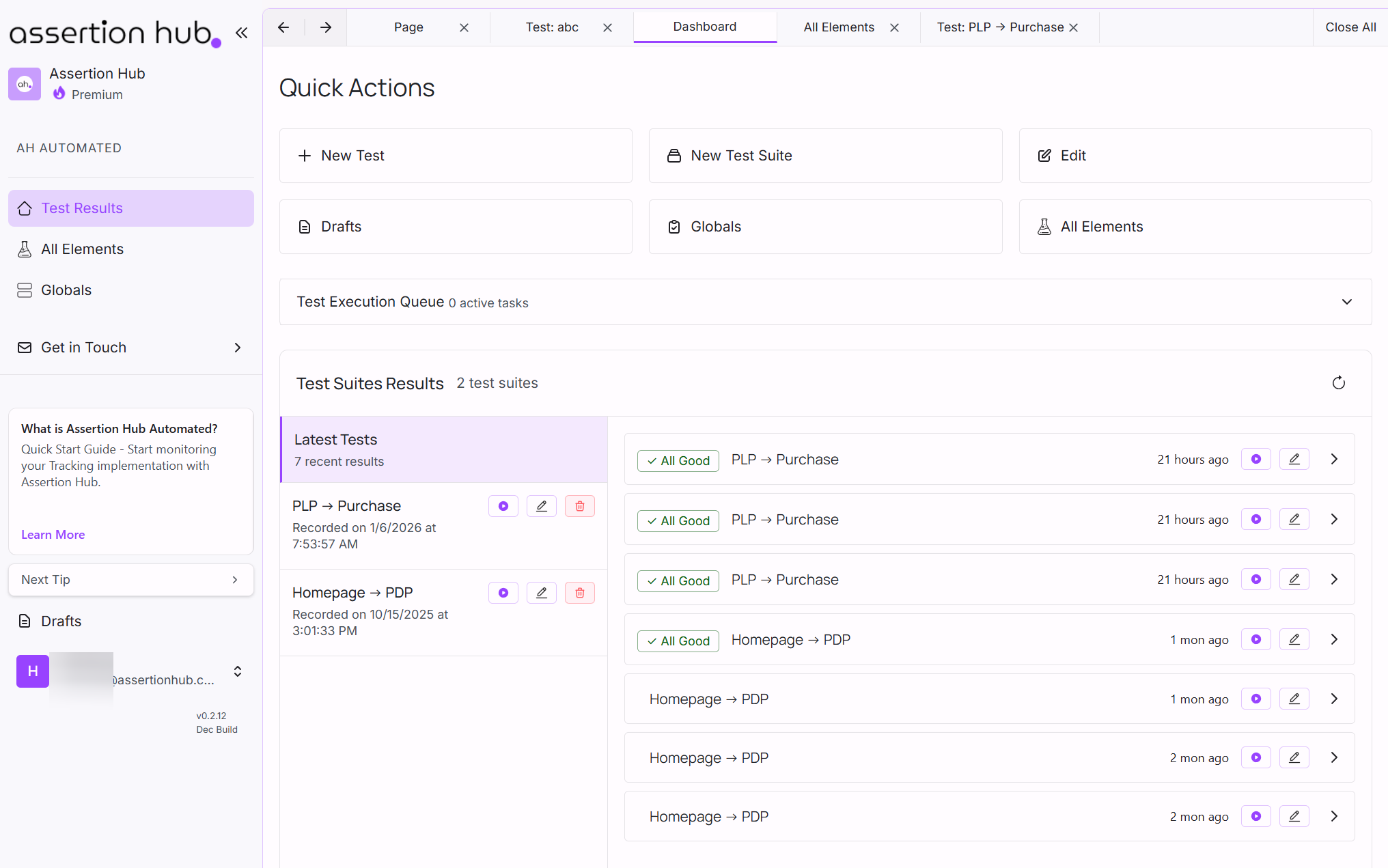
Key GA4 Validation Capabilities
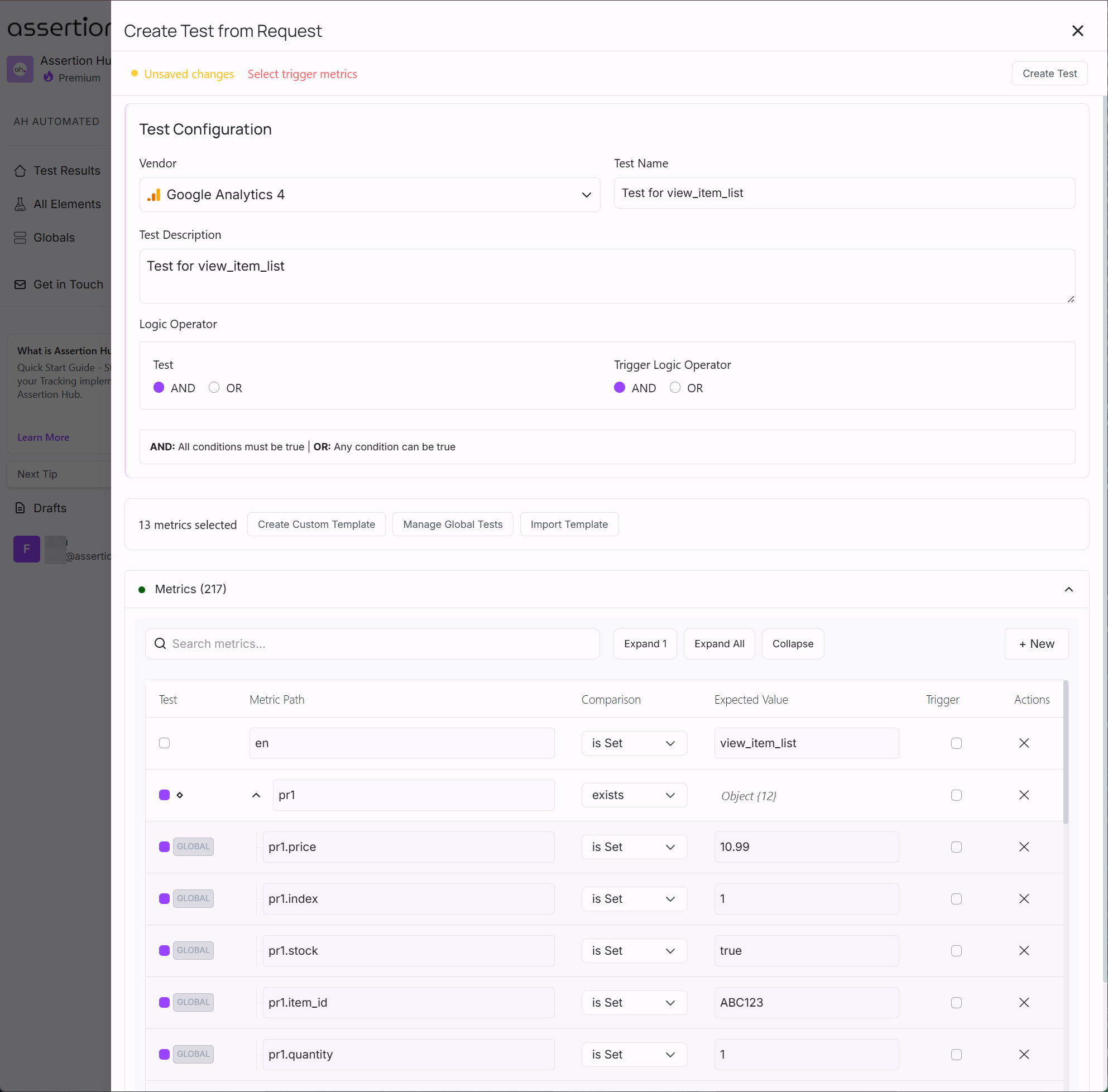
With AssertionHub Automated, you can test all your GA4 metrics. Here are some of the key capabilities:
- GDPR Compliance Tests on your tracking setups. E.g., No GA4
page_viewevent is fired if the user denies consent - Test if a specific event is fired after a specific action. E.g.,
purchaseevent after completing a transaction - Validate standard and custom event parameters and user properties. E.g., check if
custom_dimension_1parameter is greater than 0 - Validate Ecommerce events and parameters. E.g., check if
item_idparameter in thepurchaseevent items is present and not empty - Validate the exact number of events is fired after a specific action. E.g.,
view_item_listevent is fired exactly twice when visiting a product page
Getting Started with GA4 Testing
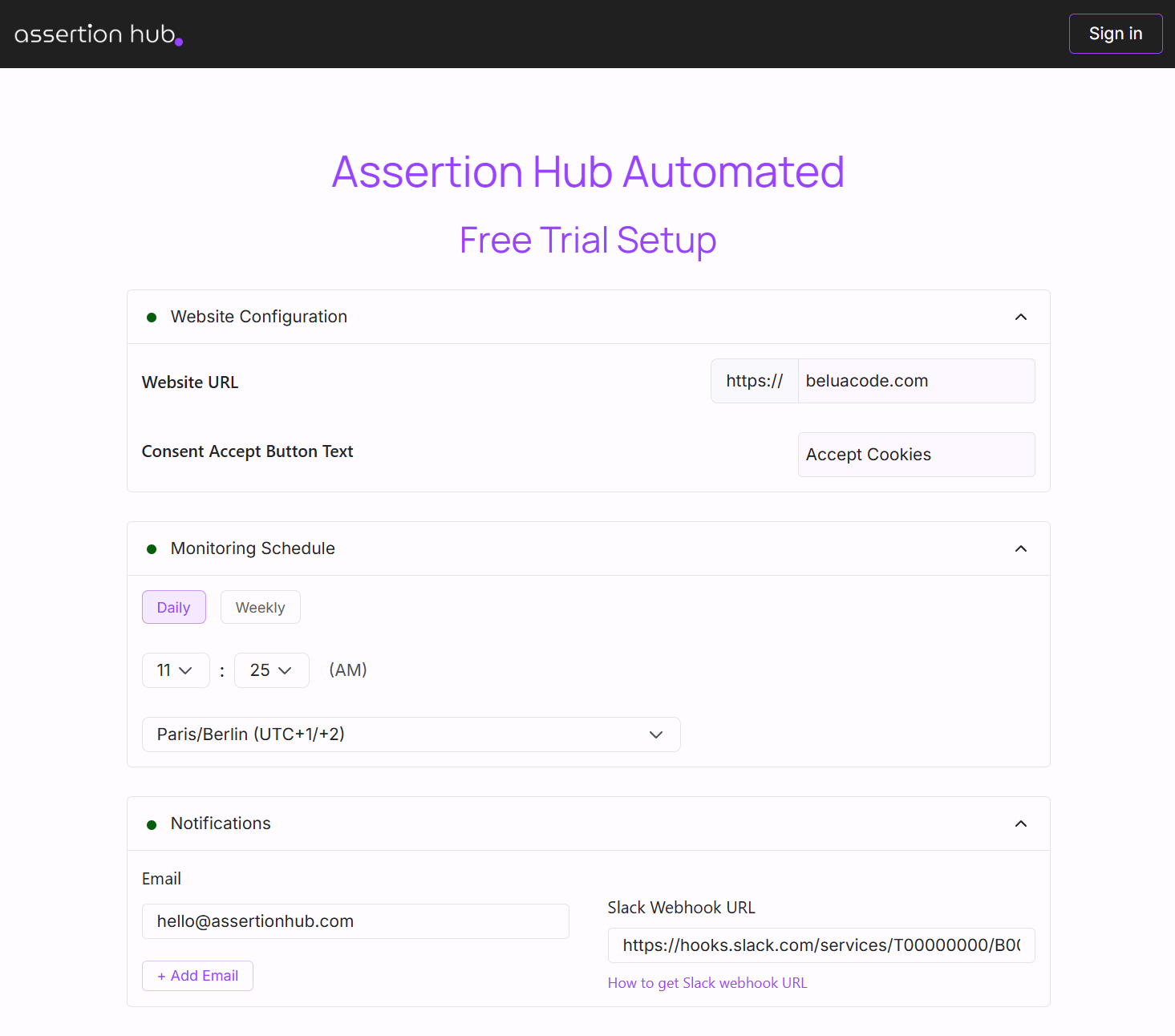
Sign up at app.assertionhub.com/free-trial - No credit card required.
First test results appear within minutes in your dashboard.
Free Trial Includes:
- Unlimited events monitored
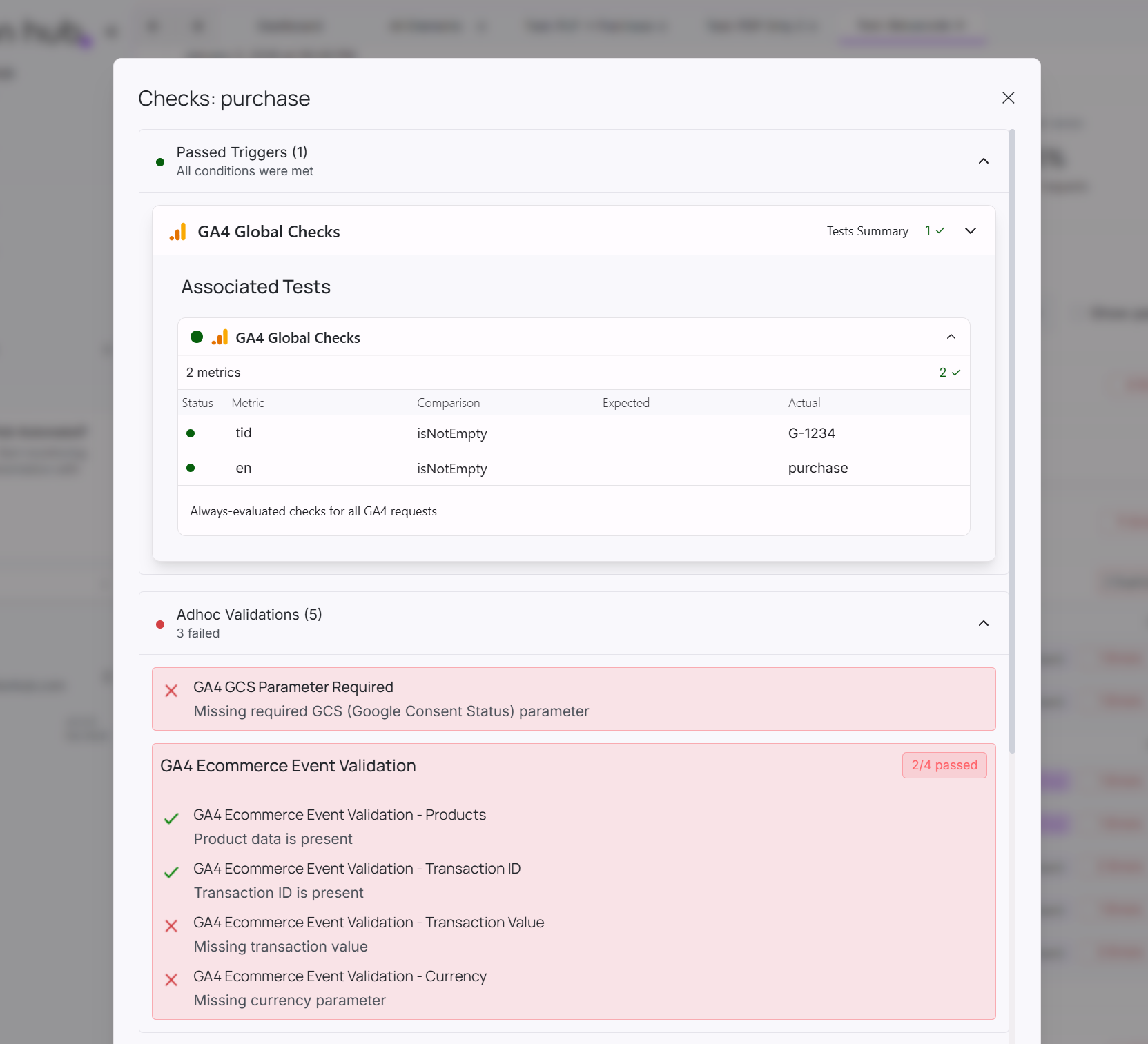
- Built-in GA4 validation checks
- 1 User Journey
- 100 manual test runs
- Email and Slack alerts
After your free trial, pricing starts at €49/month.
Frequently Asked Questions
Why should I test my GA4 implementation instead of just checking reports?
What's the difference between GA4 Debug Mode and automated testing?
How much does automated GA4 testing cost?
Can I test GA4 without writing code?
What GA4 events should I prioritize testing?
purchase, add_to_cart, begin_checkout. Then test lead generation events like form_submit and generate_lead. Finally, cover engagement events and enhanced measurement. Always test GDPR compliance if applicable.How do I test GA4 ecommerce parameters?
transaction_id, value, currency, and items array are present and correctly formatted. For items, check that item_id, item_name, price, and quantity are included. Automated testing can verify all these parameters in every test run.